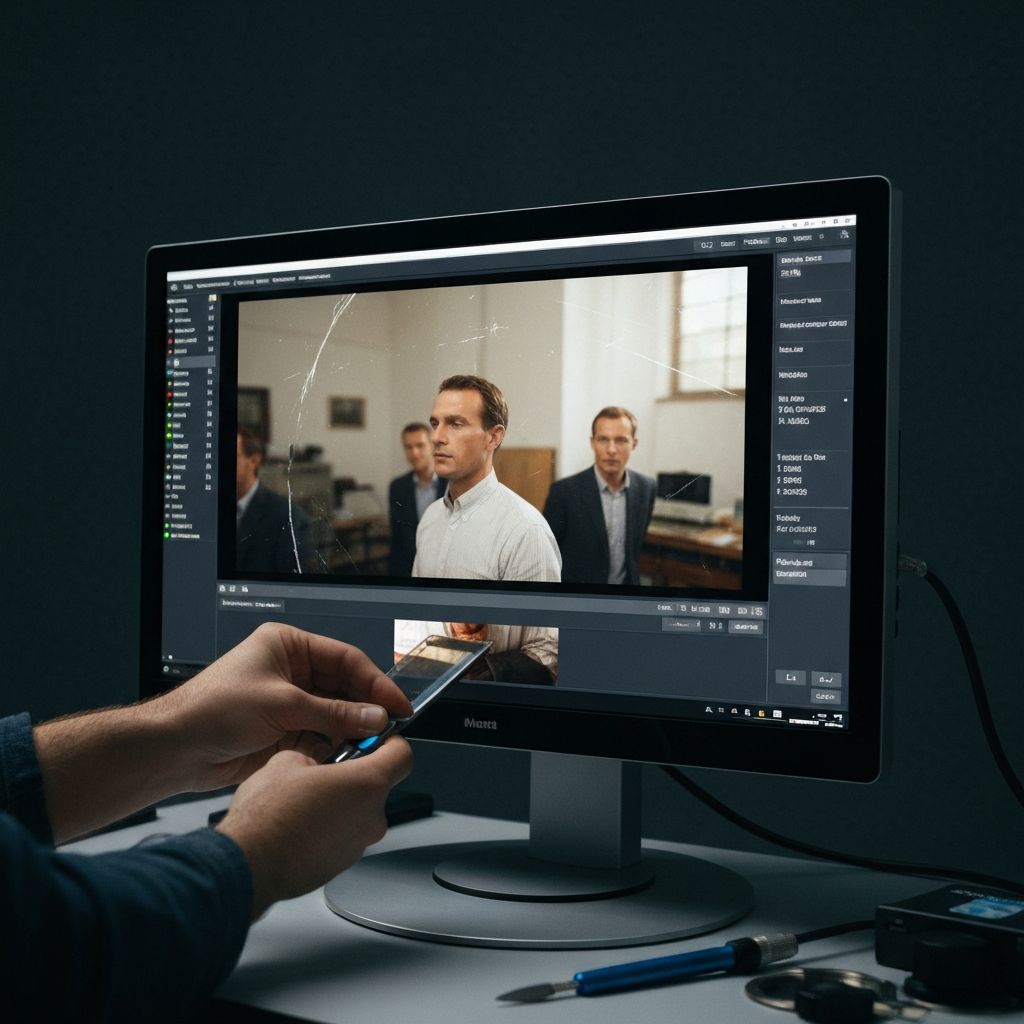
Best Photo Restoration Apps in 2026: Complete Comparison
Compare the best photo restoration apps of 2026. Features, pricing, and real results to help you choose the right app.

Finding the Best Photo Restoration App in 2026
You have found a damaged photograph that means the world to you, and now you need an app that can actually fix it. The problem is there are dozens of photo restoration apps claiming to use AI, and the quality varies wildly. Some genuinely restore detail. Others just apply aggressive sharpening filters and call it restoration.
This guide compares the best photo restoration apps available in 2026, looking at real features, honest pricing, restoration quality, and what each app does best. Whether you are trying to fix a faded family portrait, remove scratches from a vintage snapshot, or colorize a black-and-white photo from decades past, this comparison will help you choose the right tool.
If you want a step-by-step walkthrough of the restoration process itself, start with our ultimate guide to photo restoration.
What Makes a Great Photo Restoration App?
Before comparing individual apps, it helps to understand what separates good restoration from bad restoration. A truly effective photo restoration app should offer:
- Multiple specialized AI models rather than one generic filter. Scratch removal, face restoration, and colorization each require different technology.
- High-resolution output that preserves and enhances detail rather than smearing it.
- Flexible pricing that does not force you into expensive monthly subscriptions if you only need occasional use.
- Honest results that look natural, not over-processed or artificial.
- Ease of use that does not require a learning curve or technical knowledge.
With those criteria in mind, here is how the top apps stack up.
Quick Comparison Table
| App | Features | Pricing | Languages | Best For |
|---|---|---|---|---|
| Restory | 6 specialized AI features | EUR 39.99/year or coin packs | 32 | Complete restoration toolkit |
| Remini | Enhancement, face restore | ~EUR 9.99/week | ~10 | Quick face enhancement |
| Photomyne | Scanning, basic enhance | EUR 59.99/year | ~15 | Bulk photo scanning |
| Pixelup | Enhancement, colorize | ~EUR 49.99/year | ~8 | Simple enhancement |
| FixMyPics | 3 basic features | Subscription-based | ~5 | Basic fixes |
| EnhanceFox | Enhancement, some restore | Ad-supported + subscription | ~10 | Free basic use |
Detailed App Reviews
1. Restory -- Best Overall for Photo Restoration
Restory stands out by offering six distinct AI features, each trained on a specific type of photo damage. Rather than applying a single generic algorithm, Restory lets you choose exactly what each photo needs.
Features:
- Colorize -- adds realistic color to black-and-white photos using AI trained on millions of historical images
- Enhance -- improves sharpness, contrast, and overall quality
- Restore Faces -- reconstructs blurry or damaged facial features with remarkable accuracy
- Remove Scratches -- identifies and removes scratches, stains, creases, and dust marks
- Recreate -- uses generative AI to reconstruct heavily damaged photos where large sections are missing
- Bring Photos to Life -- transforms static photos into animated video clips
Pricing: Restory uses a coin system. Each feature costs 4-15 coins depending on complexity. You can purchase coins individually (50 coins for EUR 7.99) or subscribe annually for EUR 39.99 per year, which includes 200 coins per renewal. The annual plan also comes with a 3-day free trial.
Why it ranks first: The combination of six specialized features, 32 language support, and flexible coin-based pricing makes Restory the most complete and accessible option. The Recreate feature for heavily damaged photos and the Bring Photos to Life animation are capabilities you simply cannot find in most competitors. See all features in detail.
2. Remini -- Best Known but Most Expensive
Remini is the most downloaded photo enhancement app with over 334,000 App Store reviews. Its face enhancement technology is genuinely impressive, particularly for portrait photos.
Features: Primarily focused on face enhancement and general photo improvement. Remini does a strong job of sharpening blurry portraits and adding detail to faces.
Pricing: Approximately EUR 9.99 per week or around EUR 40 per month. This adds up to nearly EUR 480 per year, making it one of the most expensive options by a significant margin.
Limitations: Remini excels at face enhancement but lacks dedicated scratch removal, generative reconstruction, and video animation. Its subscription model means you are paying even when you are not using it. For many users who only restore photos occasionally, this pricing model is frustrating.
3. Photomyne -- Best for Bulk Scanning
Photomyne has carved out a niche as a photo scanning solution rather than a pure restoration app. With 89,000 reviews, it has a loyal user base.
Features: Excels at scanning multiple photos at once using your phone camera. Offers basic enhancement after scanning but lacks dedicated restoration features like scratch removal or face reconstruction.
Pricing: Around EUR 59.99 per year for the full scanning suite.
Limitations: If your photos are already digitized or you only have a few to scan, Photomyne's scanning focus may not be what you need. For actual damage repair, you will likely need a second app. Check our tips for scanning old photos to learn how to digitize photos effectively before restoring them.
4. Pixelup -- Solid but Limited
Pixelup offers enhancement and colorization features with a clean interface. It handles basic photo improvement well but does not go deep on restoration.
Features: Photo enhancement, some colorization capability, and basic face improvement. The results are decent for mildly degraded photos.
Pricing: Approximately EUR 49.99 per year via subscription.
Limitations: No dedicated scratch removal. No generative reconstruction for heavily damaged photos. Fewer supported languages. For photos with significant physical damage, you will hit the limits quickly.
5. FixMyPics -- Basic but Functional
FixMyPics offers three core features for photo improvement. It handles simple restoration tasks but lacks the depth of more specialized apps.
Features: Basic enhancement, simple face restoration, and color correction. Straightforward interface that is easy to use.
Pricing: Subscription-based with limited free functionality.
Limitations: Only three features limits what you can accomplish. No scratch removal, no generative AI repair, and limited language support. Works for quick fixes but not comprehensive restoration.
6. EnhanceFox -- Free Option with Trade-offs
EnhanceFox offers some restoration features for free, supported by advertisements. This makes it accessible but the experience suffers.
Features: Basic enhancement and some restoration capability. Results are acceptable for casual use.
Pricing: Free with ads, with a premium subscription to remove advertisements and unlock higher quality.
Limitations: Ad interruptions are frequent. Quality tends to be lower than premium alternatives. Higher-resolution output requires the paid tier.
Feature-by-Feature Breakdown
Here is a closer look at which apps handle specific restoration tasks best.
Scratch and Damage Removal
This is where many apps fall short. True scratch removal requires the AI to not only detect the scratch but generate plausible detail to fill the gap. Restory's dedicated Remove Scratches feature handles this with a model specifically trained on damaged scans. Most other apps either blur over scratches or ignore them entirely.
Face Restoration
Both Restory and Remini perform well on face restoration. Remini has a slight edge on extremely blurry modern selfies, while Restory performs better on vintage portrait photos where the face is damaged rather than simply low-resolution. Restory's model is specifically tuned for aged and damaged photographs, which is the more relevant use case for photo restoration.
Colorization
Adding realistic color to black-and-white photos requires understanding of historical context, skin tones, fabric colors, and environmental elements. Restory's Colorize feature produces natural, historically plausible results. Pixelup offers colorization as well but with less consistency. For an in-depth look at the colorization process, read our guide to colorizing old family photos.
Generative Reconstruction
This is where Restory genuinely has no competition in this price range. The Recreate feature uses generative AI to fill in large missing areas of a photo. If a section has been torn away, water-damaged beyond recognition, or simply lost to time, Recreate can generate a plausible reconstruction. No other app in this comparison offers this capability at this price point.
Pricing Comparison: The Real Cost
Price is where the differences become dramatic. Here is what a year of photo restoration actually costs with each app, assuming regular use.
| App | Annual Cost | What You Get |
|---|---|---|
| Restory | EUR 39.99 | 200 coins/year (50+ restorations) |
| Remini | ~EUR 480 | Unlimited use |
| Photomyne | EUR 59.99 | Scanning + basic enhancement |
| Pixelup | ~EUR 49.99 | Enhancement + colorization |
| Restory (coins only) | EUR 7.99-44.99 | 50-500 coins, no subscription |
The value gap is significant. Restory's annual plan costs less than one month of Remini. And if you only need to restore a handful of photos, Restory's coin packs let you pay for exactly what you use with no recurring charges.
How AI Photo Restoration Technology Has Evolved
The reason 2026 is such a remarkable year for photo restoration is the rapid advancement of AI models. Modern neural networks can now distinguish between intentional photographic elements and damage artifacts with extraordinary precision. They can generate missing facial features that look natural. They can predict historically accurate colors for clothing, landscapes, and skin tones.
If you are curious about the technology behind these tools, our article on how AI photo restoration works explains the neural networks and training processes that make modern restoration possible.
Which App Should You Choose?
The best app depends on your specific needs.
Choose Restory if:
- You need comprehensive restoration across multiple damage types
- You want flexible pricing without an expensive monthly subscription
- Your photos have scratches, tears, or heavy damage
- You want to colorize black-and-white photos
- You need an app that works in your language (32 languages supported)
Choose Remini if:
- You primarily need face enhancement for modern photos
- You are willing to pay a premium subscription for unlimited use
- Your photos are blurry but not physically damaged
Choose Photomyne if:
- You have hundreds of physical photos to scan and digitize
- You need basic enhancement but not deep restoration
Start Restoring Your Photos Today
Every photograph tells a story, and damage does not have to be the ending. The apps reviewed here can bring remarkable clarity and life back to images you thought were beyond saving.
For the most complete, affordable, and flexible photo restoration experience in 2026, try Restory. With six specialized AI features and pricing that respects your budget, it is the best way to preserve the memories that matter most.