Restoring Military Photos: Honor Veterans Through AI
Restore old military photos to honor veterans. AI tools repair damaged service portraits and wartime photographs.
Every Uniform Tells a Story
In a drawer, a frame, or a box in the attic, almost every family has at least one military photograph. A young man in uniform before shipping out. A group of soldiers posing together between battles. A formal service portrait taken for the records. A candid shot from a base overseas, creased and faded from being carried in a wallet through a war and back.
These photographs carry a weight that other family photos do not. They document service, sacrifice, and a period of life that often defined everything that came after. The twenty-year-old in that uniform became the father, the grandfather, the great-grandfather whose decisions shaped your entire family. And in many cases, these photographs are the only visual record that remains.
Time, unfortunately, does not distinguish between military photos and any other kind. The same fading, scratching, water damage, and deterioration that affects all old photographs affects these too — sometimes worse, because military photos were often stored in less-than-ideal conditions. Carried in pockets through combat zones. Stored in barracks and ship lockers. Moved from base to base and country to country.
Restoring these photographs is not just an act of preservation. It is an act of honor.
The Unique Challenges of Military Photo Restoration
Military photographs present specific restoration challenges that go beyond typical family photo damage.
Harsh Field Conditions
Photos taken in combat zones or remote bases were often developed under difficult conditions with limited supplies. The original print quality may be lower than studio photographs, with uneven exposure, chemical stains, and processing artifacts.
Wallet Wear
Service members frequently carried photos in wallets, pockets, or helmet bands. This creates a specific pattern of damage — heavy creasing along fold lines, worn edges, moisture damage from sweat, and overall softness from years of physical contact.
Group Photo Challenges
Many military photos are group shots — platoons, companies, ship crews. Individual faces are small, often in shadow under caps and helmets, and identifying specific individuals requires clear facial detail that has frequently been lost to damage.
Uniform and Insignia Detail
Rank insignia, unit patches, medal ribbons, and name tapes are often important for identification and historical documentation. These small details are frequently lost to fading and damage but can be recovered with careful enhancement.
| Damage Type | Common in Military Photos | Restoration Approach |
|---|---|---|
| Heavy creasing | Wallet-carried photos | AI scratch/crease removal |
| Moisture damage | Field conditions, tropical climates | Multiple restoration passes |
| Chemical staining | Poor darkroom conditions | Color correction + scratch removal |
| Fading | Age + exposure | Enhancement + contrast restoration |
| Small face size | Group photos | Face restoration + enhancement |
| Missing sections | Torn or cut photos | Recreate feature (generative fill) |
How to Restore Military Photos: A Complete Workflow
Step 1: Handle Originals With Care
Before scanning, handle original military photographs carefully. Some tips specific to military photo handling:
- Wear cotton gloves — oils from your hands accelerate deterioration
- Do not attempt to unfold creased photos forcibly — if a photo is tightly folded, humidify it gently in a sealed container with a damp (not wet) sponge for 24-48 hours before carefully unfolding
- Document the back — military photos often have names, dates, unit designations, or photographer stamps written on the reverse. Scan the back too.
- Check for hidden photos — some military photo folders or albums have photos tucked behind others or under mounting tabs
Step 2: Scan at Maximum Resolution
Military photos deserve the highest quality digitization you can manage:
- 600 DPI minimum, 1200 DPI for small prints or wallet photos
- Scan in color even if the photo is black and white — this captures discoloration patterns that help the AI understand and correct damage
- Include edges — do not crop tightly during scanning. Include any borders, captions, or photographer markings.
Step 3: Restore Using AI
Upload your scan to Restory and apply features in this order:
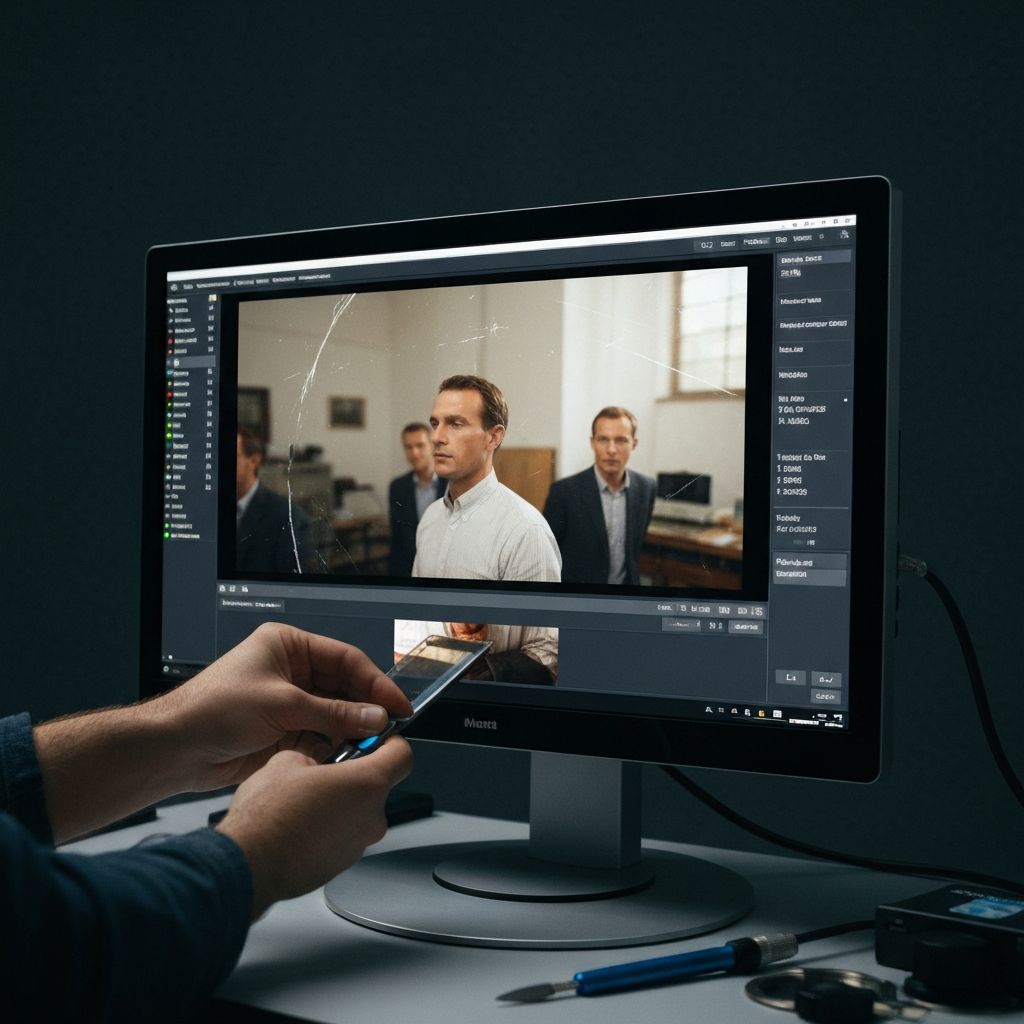
Remove Scratches first. Clear away the physical damage — scratches, creases, stains, and spots. Military photos that were carried in wallets often have complex patterns of creasing that the AI handles remarkably well.
Restore Faces second. This is often the most impactful step for military photos. Service portraits that have been faded and damaged for decades suddenly reveal clear, recognizable faces. For group photos, the face restoration AI works on every face in the image simultaneously.
Enhance third. Upscale the image to reveal uniform details, insignia, and background elements that were not visible in the original small or faded print.
Colorize last (optional). Adding color to a military photograph is a powerful emotional experience. The AI can color uniforms, skin, and backgrounds with historical accuracy, transforming a grey abstraction into a vivid scene. For guidance on the colorization process, read our guide on how to colorize black and white photographs.
Step 4: Verify Historical Details
After restoration, take time to examine the enhanced details:
- Rank insignia — can you now identify the rank? Cross-reference with military rank charts for the appropriate service and era
- Unit patches — restored patches can help identify which unit your ancestor served with, opening up new avenues for research
- Medal ribbons — even partially visible ribbons can be identified by their color patterns
- Background details — buildings, vehicles, aircraft, and ships in the background can help determine when and where the photo was taken
Step 5: Preserve Properly
Military photos have historical value beyond your family. After restoration:
- Share with military archives — organizations like the National Archives, Veterans History Project, and military unit associations actively collect photographs
- Add metadata — record everything you know: names, ranks, units, dates, locations
- Upload to genealogy sites — other researchers may recognize faces or identify the unit
- Print archival copies — for display and as physical backups
Explore the complete range of restoration features to see how each tool can help preserve your family's military history.
Honoring Veterans Through Restoration
Memorial Day and Veterans Day Projects
These holidays are perfect occasions to undertake a military photo restoration project. Many families use restored photos as the centerpiece of memorial tributes:
- Framed restored portraits displayed with medals and service memorabilia
- Before-and-after prints showing the transformation from damaged to restored
- Photo books documenting a veteran's service through restored images
- Digital slideshows for family gatherings or memorial services
Veterans Organizations and Photo Drives
Across the country, volunteers organize photo restoration events for veterans and their families. These events invite community members to bring old military photographs for professional scanning and AI restoration. If your community does not have one, consider organizing it — all you need is a scanner, a laptop, and Restory.
Gold Star Families
For families who lost a service member, the photographs that remain carry immeasurable weight. Restoring a faded, damaged photograph of someone who died in service is one of the most meaningful things you can do for their family. The transformation from a barely visible ghost in a damaged print to a clear, vivid portrait is profound.
Case Study: From Wallet Photo to Wall Portrait
Consider a typical scenario: a family finds a small, heavily creased photograph of their grandfather in his Army Air Corps uniform, taken in England in 1944. The photo was carried in his wallet throughout the war and for decades afterward. It is barely two inches tall, folded twice, with deep crease lines crossing his face.
The restoration workflow:
- Scan at 1200 DPI — capturing every surviving detail from the tiny print
- Remove scratches and creases — the AI eliminates the fold lines and surface damage
- Restore the face — clearing away eighty years of degradation to reveal his features
- Enhance to 4x resolution — the wallet photo now has enough pixels for a large print
- Colorize — the olive drab uniform, blue sky, and English countryside emerge in full color
The result: an 11x14 framed print that his family displays alongside his service medals. His great-grandchildren, who never knew him, can now see his face clearly for the first time. The twenty-year-old airman who helped win a war is no longer a faded abstraction. He is real.
Why This Matters Now
The generation that served in World War II is nearly gone. The Korean War and Vietnam War generations are aging. Every year, we lose veterans whose stories are told partly through the photographs they left behind. And every year, those photographs — already old, already damaged — deteriorate a little more.
Restoring these photos now, while there are still people alive who can identify the faces and tell the stories behind them, is urgent. A restored photograph paired with a recorded memory from someone who was there creates a family treasure that will endure for generations.
Their Service. Your Commitment.
The men and women in those old military photographs gave something of themselves for the rest of us. The least we can do is make sure their faces are not lost to time. A few minutes with AI restoration can transform a faded, damaged image into a clear, powerful portrait that honors their service and preserves their memory for every generation that follows.
Find those military photos. Scan them. Restore them. Frame them. Download Restory and give your family's veterans the tribute they have earned.